In the modern digital world, architectural software makes it easier to draw, save, and print your design plans.
This is where architectural software really comes into its own, enabling architects to clearly and easily design their projects whilst making modifications along the way.
This guide will take a look at Autodesk Revit and show you exactly how to download it.
Overview
It is possible to use architectural software to set up workflow management and project management tasks.
However, dedicated architectural software is still quite limited. As the programs have to be quite detailed, there are only a few vendors who specialize in this field.
Whether you are running a 200-person company or starting out as a solopreneur, using the best software for interior design will enable you to achieve success.
What is Autodesk Revit?
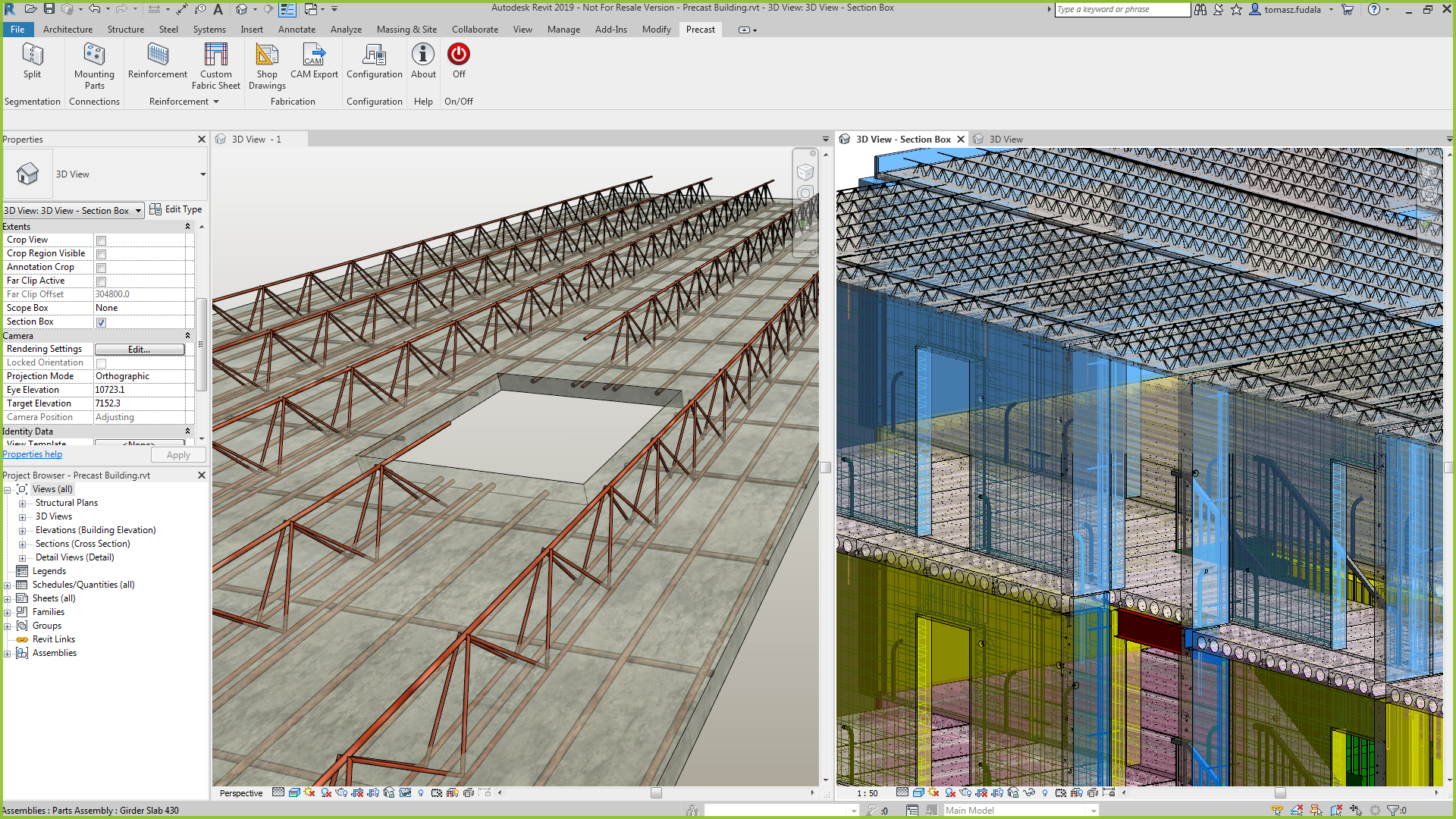
Part of a whole new generation of Autodesk products, Autodesk Revit enables architects to design their models while coordinating with multiple engineers. Designers that use Revit work with objects, rather than a vector, allowing them to work quickly and confidently.
Even though they both use an interface on the command line, this isn't like AutoCAD. And, those coming from that discipline may initially struggle with the transition. Once the steep learning curve has been scaled, Revit can offer a competitive edge over those who use traditional design applications.
Revit starts at $2,425 per year and is designed to build information modelling (BIM) across architecture, interior design, landscape architecture, engineering, and contracting.
Features of Autodesk Revit
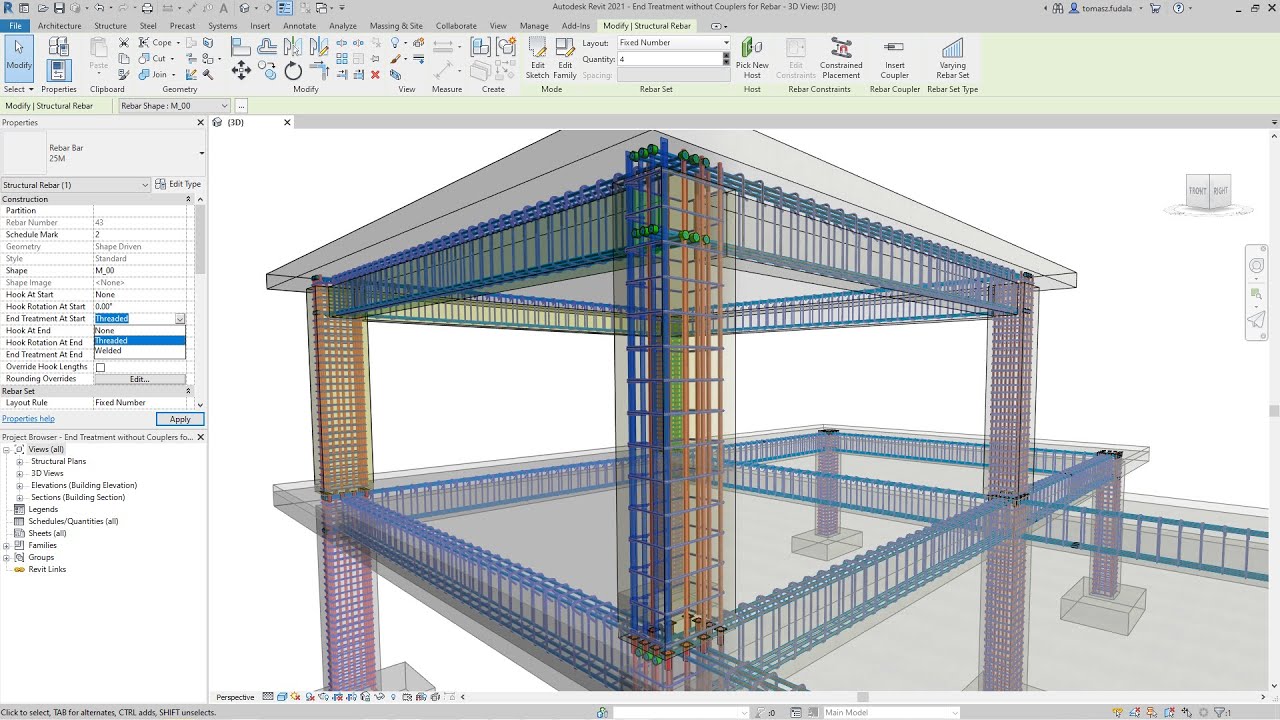
Capture your design intent in 3D efficiently and accurately to produce complete model-based building designs and documentation including floor plans, elevations, sections, and 3D views. You can also use 3D visualizations to view a building before it is constructed.
In addition to its efficient design and graphic elements, the multidisciplinary team collaboration is a core component of Revit.
Using work-sharing in BIM 360 Architecture, Revit links cloud teams with minimum IT interference for higher-quality collaboration. Team members can share and save work, as opposed to switching between email, FTP sites, and multiple platforms.
Revit is only compatible with Windows but it can also be executed using Parallels on Mac OS.
How to Download Autodesk Revit for Architects and Designer
For Windows, you will need an operating system of 32-bit or 64-bit. To find out whether your machine is 32-bit or 64-bit, go to Configuration > Control Panel and take the following steps.
- Sign in to your account on Autodesk.
- Locate your product and click the download icon in the Products & Services list. Tap on the menu icon and select ‘show all products’ to display individual product downloads for industry collections or AutoCAD-including advanced toolkits.
- On the download window, choose Version, Platforms, and Language.
- Click the View All link and choose Download Now. If ‘All options’ is not available for Download, pick a different form.
- If prompted, open, or install the Download Manager on Autodesk.
- Note: If you receive a "Communication Error" alert, your browser's security settings can pose an issue. See: Communication Download and install message failed.
- Click OK (recommended), or browse to a different location when prompted to save the download to the default location.
- The Download Manager will show your progress on the download.
- When the download is complete, immediately click Install to begin the installation. Click the installation file in your Downloads folder, if you wish to install it later.
Conclusion
Solid design software will not only help you put together spectacular creative work, but it will also help your business run smoothly.
Autodesk Revit includes project management, financial organization, and programs to boost productivity. This will help get your work done while saving time and money.
Download Autodesk Revit now.