If you ask a random person to name the first accounting software that comes to mind, their answer will probably be QuickBooks. Rightfully so, this software has garnered widespread recognition.
QuickBooks by Intuit took the world of business by storm, rocketing to stardom (especially in small business circles) and landing squarely on the pedestal reserved for tech unicorns.
Even today, with so many software options available, QuickBooks is still seen as being as bright and shiny as it was many years ago. In fact, the platform has only continued to improve since it was first introduced. To learn more about this program, continue reading below.
Overview of QuickBooks
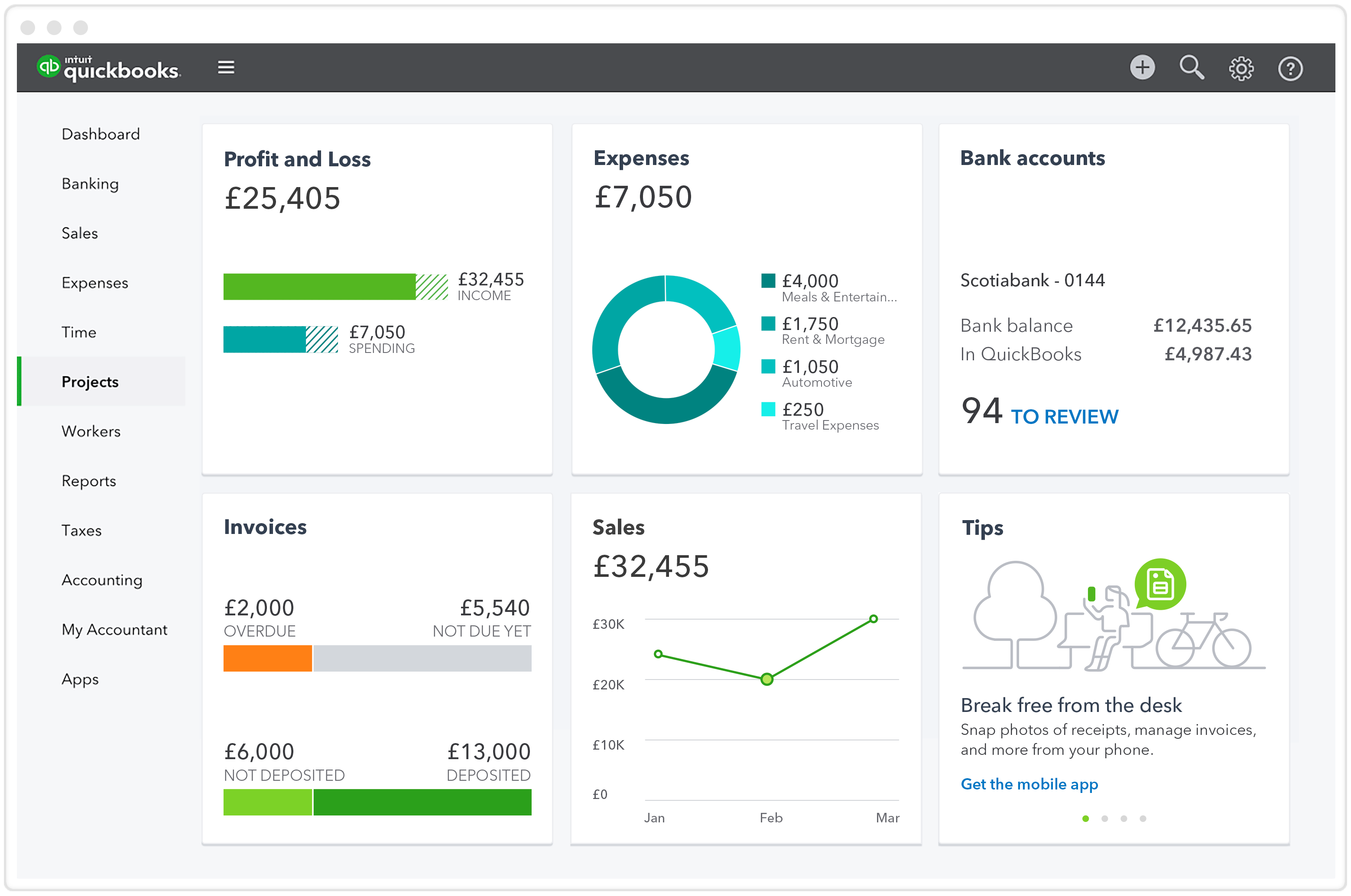
QuickBooks is a package of accounting software developed and commercialized by Intuit. QuickBooks products are mainly geared towards small and medium-sized enterprises, offering on-site accounting applications as well as cloud-based versions that accept business payments, manage and pay bills, and carry out payroll functions.
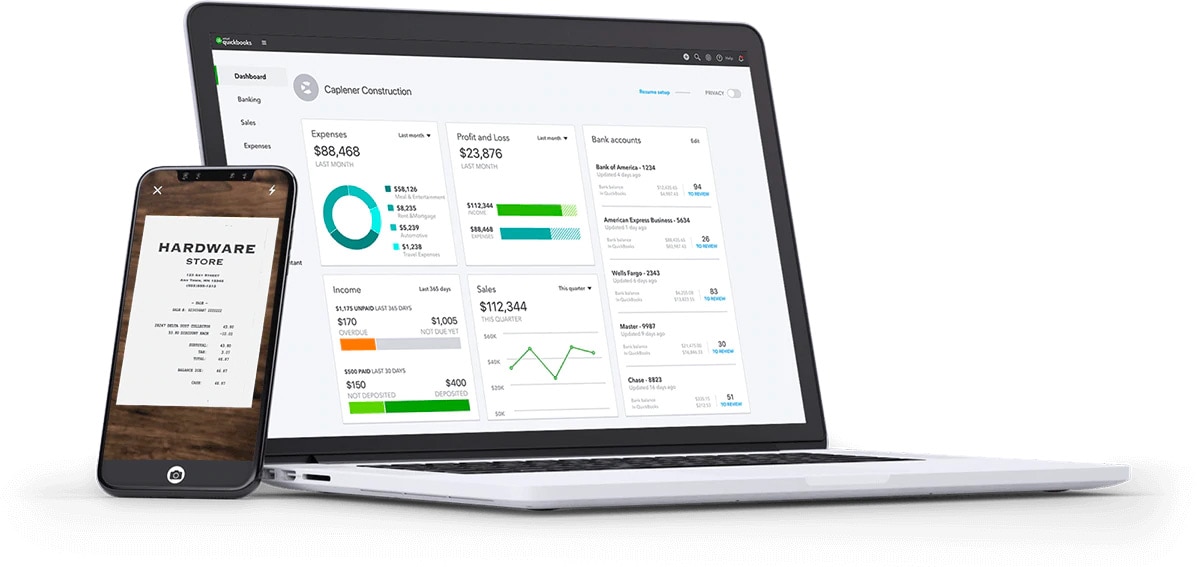
QuickBooks accounting software offers management resources for suppliers, distributors, and clients, when it comes to their inventory and finances. QuickBooks automates many aspects of your business management by calculating sales tax, tracking products, and automatically updating transactions in your registry, customer, and seller areas.
Because there are several solutions within QuickBooks, it's essential to pick the right one. Take QuickBooks for a spin, before you commit by signing up, with free 30-day trial. The trial is a fully-functional version of QuickBooks, so you can check all the bells and whistles. Best of all, no credit card is needed, but the software is currently 50 percent off, if you decide to purchase.
How to Acquire Access Online and on Mobile
The app is currently available in the App Store and Android Market and is free to all QuickBooks online subscribers. In addition, it is available to QuickBooks Pro and Premier customers through a subscription.
Through thier Intuit Education Program (IEP), students and teachers can get free access to QuickBooks Online. You can apply and set up your account by visiting thier website or sending an email to education@intuit.com.
Once you've registered, you will be given a complimentary license to QuickBooks Online . On the other side, students can get access to QuickBooks Online Plus for 12 months.
You can follow these steps to gain access to the free program for educators and students.
- Go to this link.
- Under Features & Benefits, choose the software you wish to access.
- Select either the Educators or the Students option under Free Register.
- Complete the necessary information.
- Click Verify, and Close.
- Follow the next steps/process on the screen.
Variations of QuickBooks
QuickBooks relies on more than 4.3 million customers. And that makes having a good understanding of how the platform works for small business owners a quintessential ability.
However, if you are running a company, you may not have the funds at your disposal to commit to paid training. Fortunately, there are ways to learn how to make this program work for you without your own sizeable financial investment.
Tutorials on QuickBooks
Sometimes, when you're looking for information about a program, it's best to turn to the business that started it all. Intuit, the QuickBooks maker, provides easy-to-follow video tutorials for small businesses and accountants using the software.
The knowledge is highly accessible and built to help you quickly accomplish a wide range of tasks.
QuickBooks Lesson Center
Another of Intuit's great sources of information is through the QuickBooks Learning Center. This feature is included through the Help menu in the software. Using this learning portal, you can access quick learning modules, download PDF guides, and connect to other users for guidance.
QuickBooks-Formation.net
Although this platform focuses mainly on paid training programs, it also provides access to free webinars. QuickBooks users may be particularly interested in the QB Power Hour, a series of webinars that aim to give viewers the skills to become QuickBooks power users.
Additional webinars focus on popular topics such as taxes and different tips to help you get the most out of the program.
QuickBooks Training
QuickBooks Training is the another site that focuses on paid options but also provides access to free tutorials and articles.
Much of the free content is targeted to beginners, with videos being just a few minutes long. So, if you need to get a handle on the basics, it can be a great place to start.
QuickBooks Explained
QuickBooks Explained, another source of video tutorials, takes a different approach regarding the information structure. Some of the segments are longer, making them more comprehensive than the offers on some other sites.
There are also shorter videos to handle specific tasks, offering you an alternative to longer segments. QuickBooks Explained also has a newsletter that could include information about the software's new developments, which might be worth exploring.
Conclusion
This is everything you need to know about QuickBooks. This software is truly an invaluable tool, but if you are a teacher or student, you can access it for free! Visit of official website today to access this program!
Also read: App to Track Expenses - Try Out This Spending Tracker App