AutoCAD is a commercial design and drafting software application, produced and sold by Autodesk. AutoCAD first came out as a desktop app running on microcomputers with internal graphics controllers in December 1982.
AutoCAD's history began in the late 1970s when programmer Mike Riddle created Interact CAD. Although it was not a successful program at the time, it included many of the features that would become part of the AutoCAD we know today.
Several years later, Autodesk acquired the program, which used it to form the basis for the first edition of AutoCAD, released in 1982. Some of the most popular features of the project, including its native DWG file format, were already in place by this point.
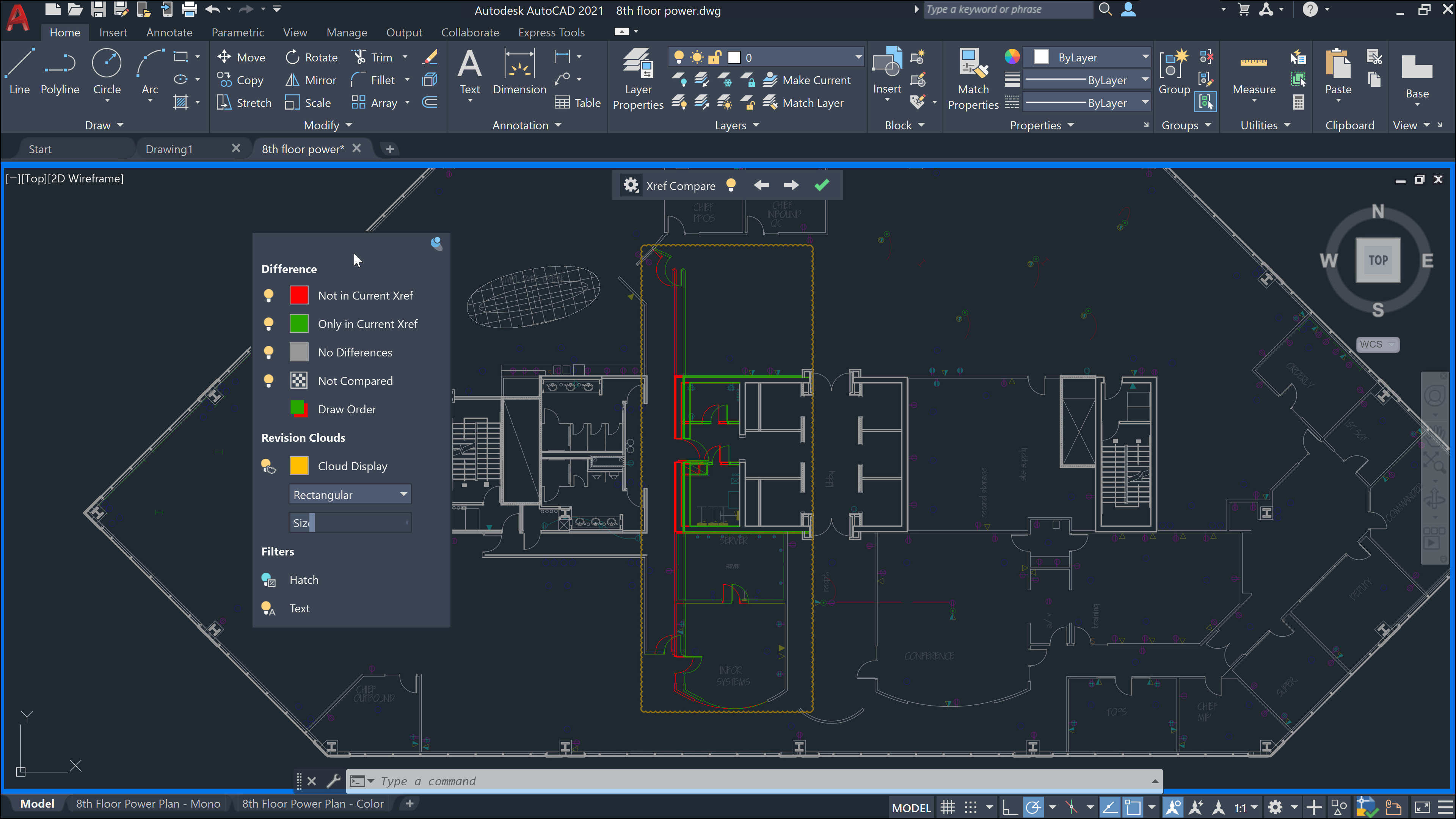
Overview of AutoCAD
If you want to use this computer-aided design program and teach it, you will get a free 3-year license to use AutoCAD. To do so, they should register an account via the official website of Autodesk.
It's been 35 years since AutoCAD was launched in 1982, and the program has since gone from strength to strength. Today, AutoCAD is the world's most widely used CAD software.
Initially created for mechanical engineering, AutoCAD has dramatically expanded its reach to include virtually every branch of design, with the launch of AutoCAD 2017 adding industry-specific features.
As with many other software developers, Autodesk has now phased out perpetual licenses for many of its products, leaving only subscription options for consumers. The programme costs $175 a month, with free access available to students and teachers.
How to Get AutoCAD for Free as a Student or Educator
Students and educators may download AutoCAD for free once the account is activated. The serial number and product key will be sent to your registered email address. Follow the below steps to get AutoCAD for free.
Step 1: Register an Account
Create and register your account here. It is very quick and easy to create an account.
Step 2: Provide Information
Provide key information including your full name, whether you are a high school or university student, school name, school website URL, country, email address, and password. Make sure you have a valid email address.
Step 3: Activate
Activate your Autodesk account online. A new window will pop up to let you know your account is not yet active.
Check your email to activate your account and look for an email sent by Autodesk Education. It includes your Autodesk ID and the link that will allow you to log in and activate your account.
Step 4: Get Your Key and Serial Number for the Product
After enabling your account, Autodesk will send you another email that contains the serial number and key for the product. You'll need to include it when downloading your free AutoCAD app.
Step 5: Free Download of 2012, 2013, 2014 or 2015 AutoCAD Versions
Click here and sign in. The new window will pop up. Provide your Password and Autodesk ID to log in.
When you have signed in, you can select the version of the AutoCAD you wish to download, your language, and the operating system where you are downloading the programme. Once you've provided the necessary information, you can start downloading AutoCAD now. The file size of an AutoCAD is around 3.6 GB.
Autodesk also allows students and educators to experience other popular drafting software like 3ds Max, Fusion 360 Ultimate, Inventor Professional, Maya, and Revit.
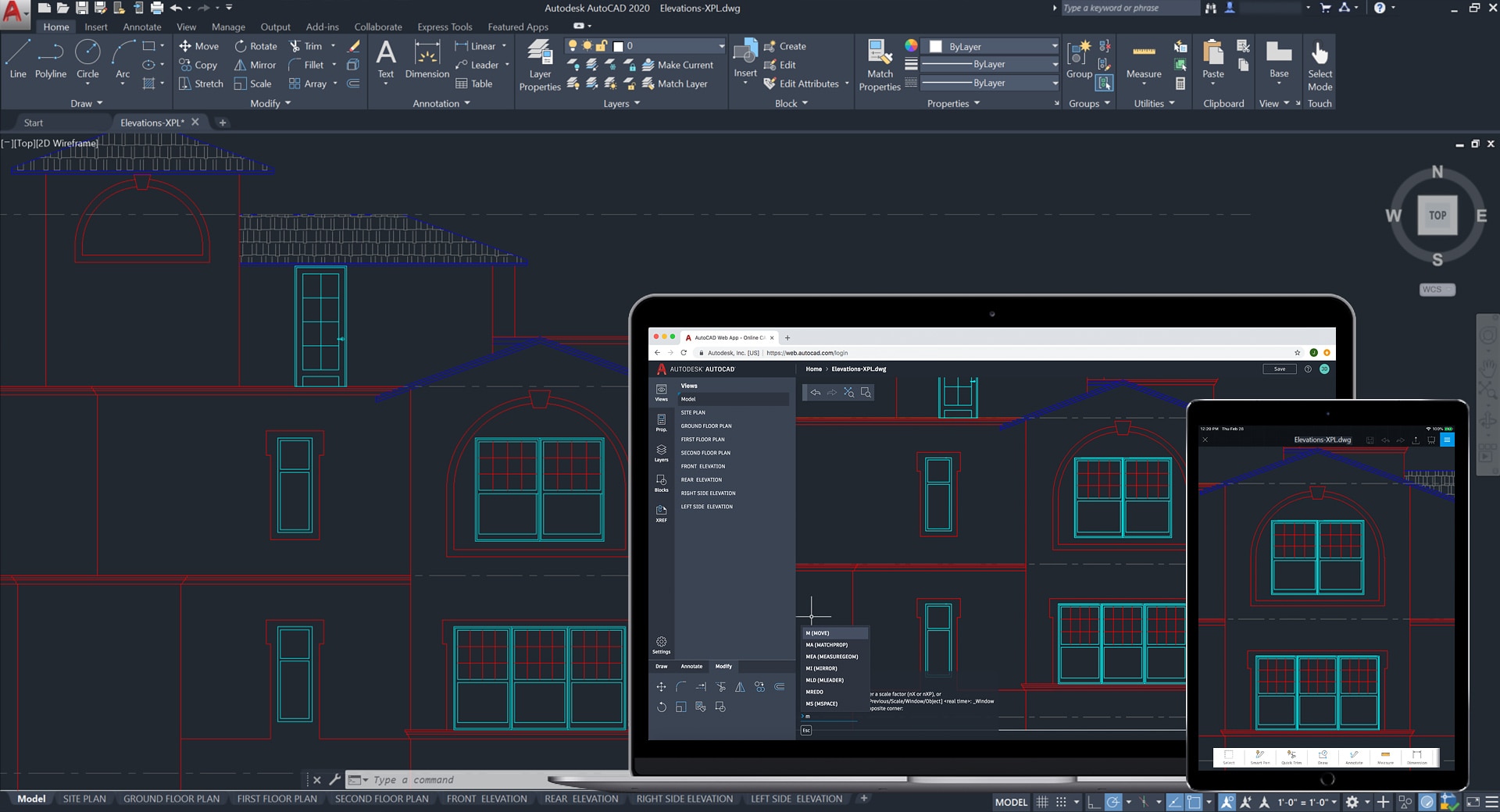
Conclusion
Sign in with your account to learn about this software application, and start downloading your selected computer-aided design software. For a complete list of applications, visit the Autodesk website.